Next.jsPrismaResendShadcn/uiRole-based
Movie Booking System
A full-stack web application for browsing movies, selecting showtimes, and booking cinema tickets with guest checkout, paired with a role-based admin dashboard for venue management.
Screenshots
Customer Booking Flow
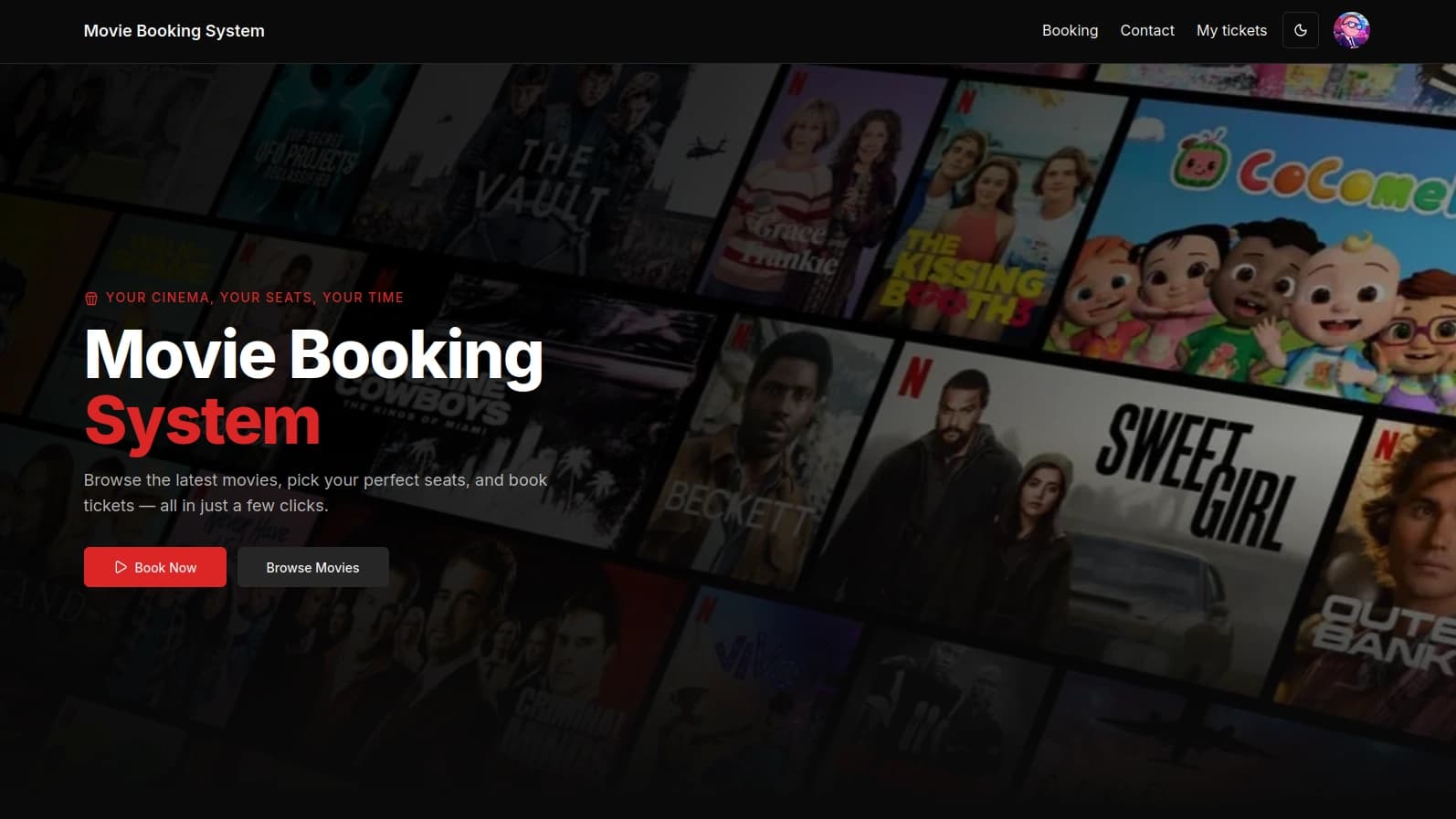
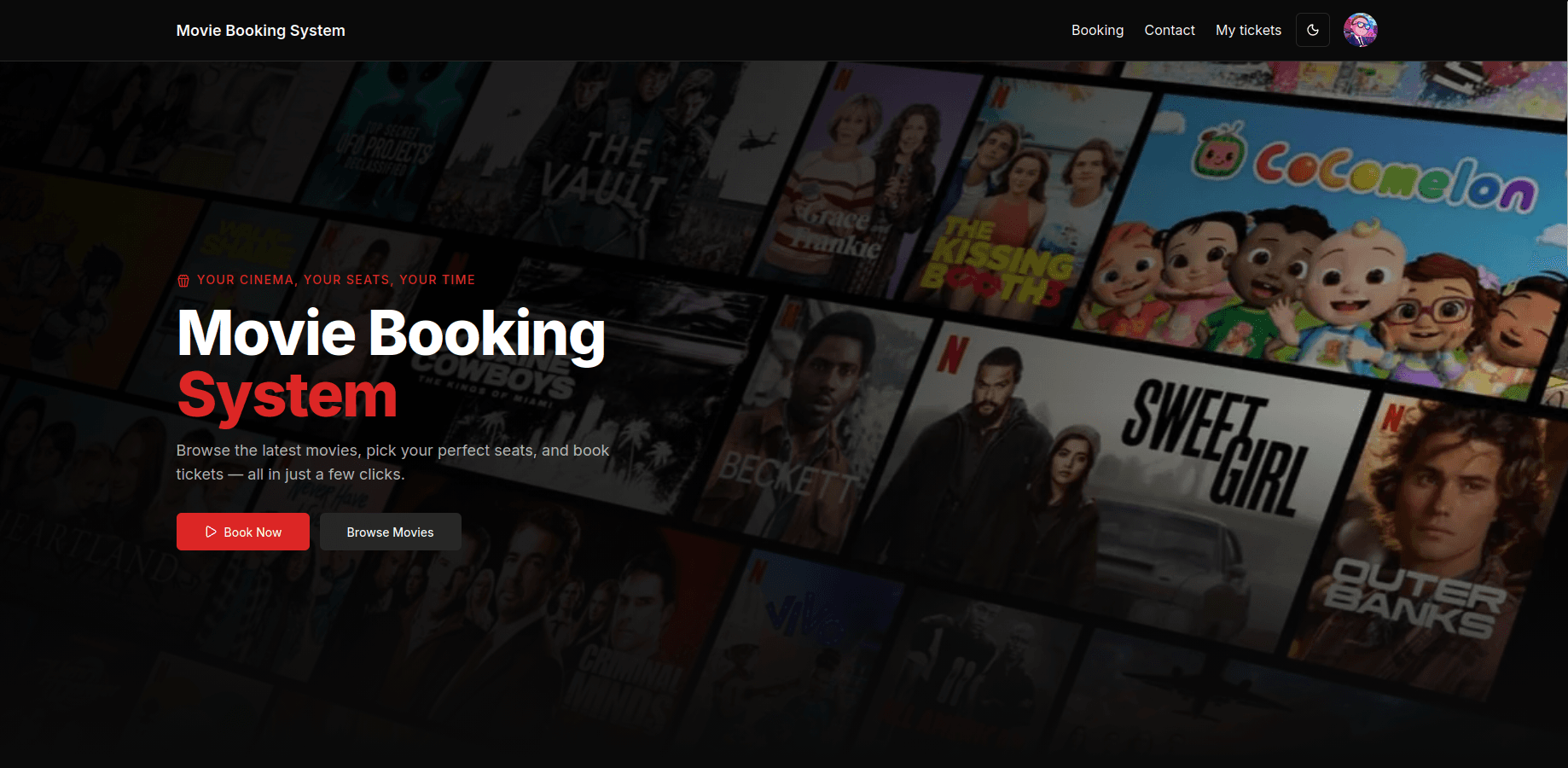
Landing Page
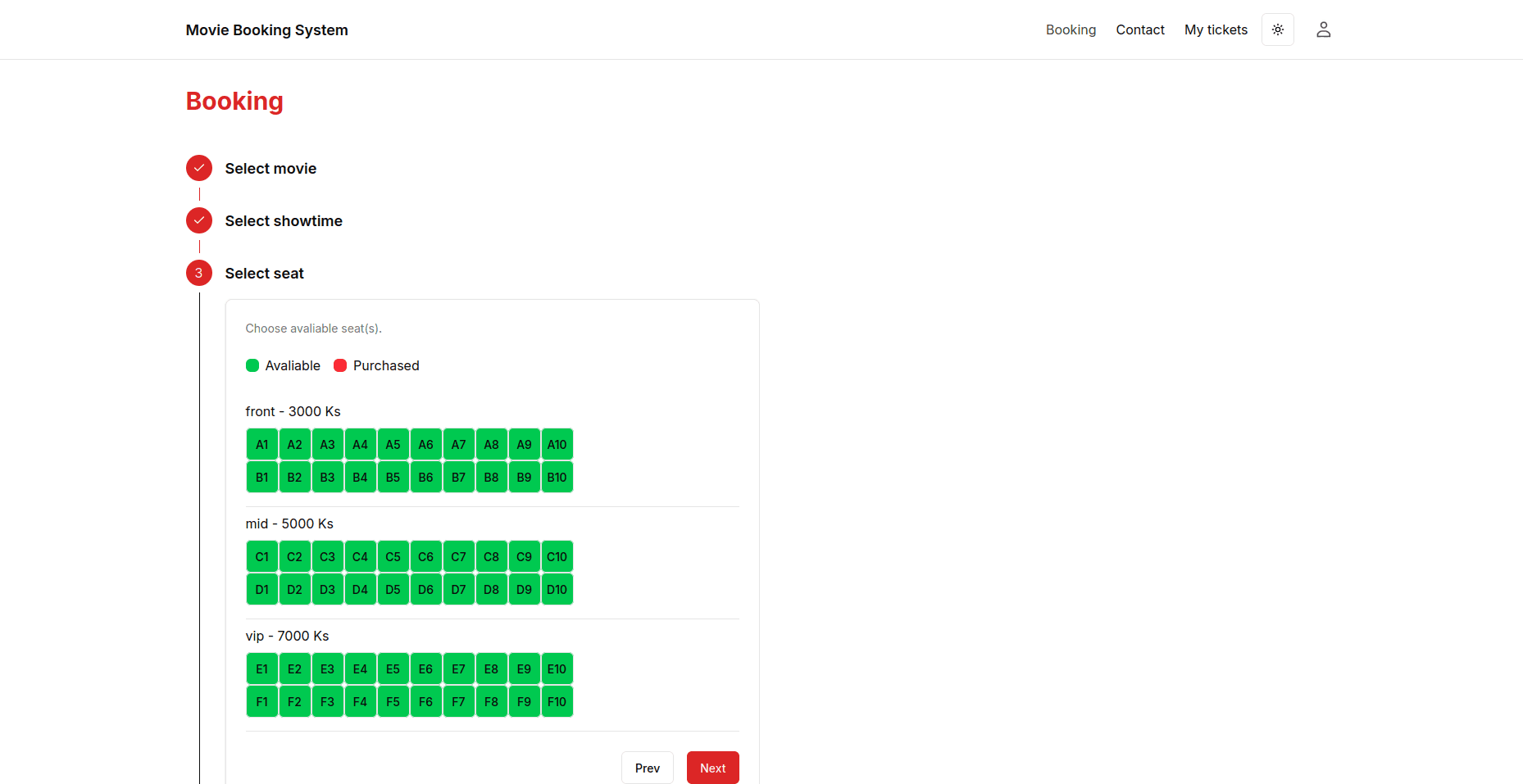
Movie Selection
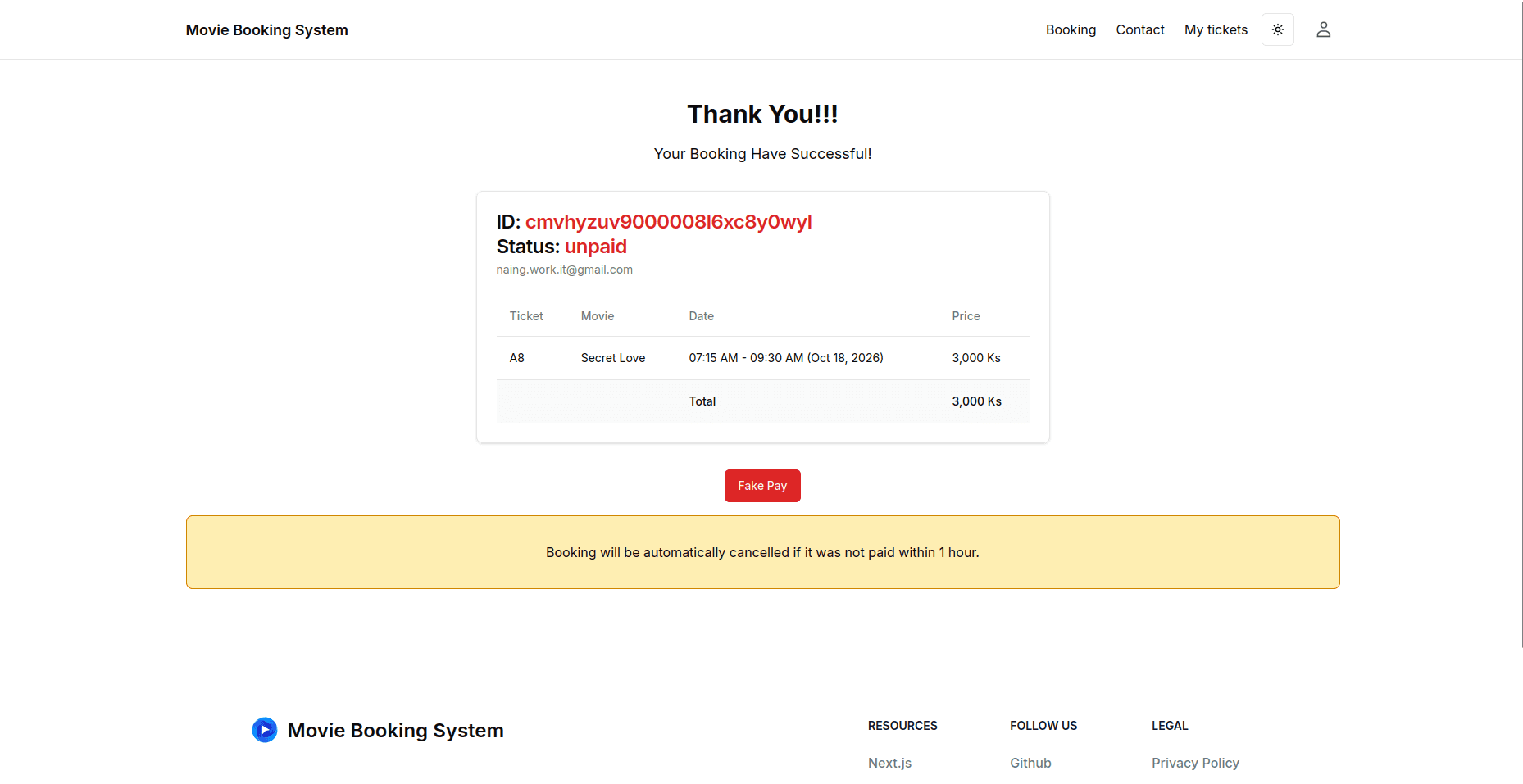
Checkout & Confirmation
Admin Dashboard
Overview
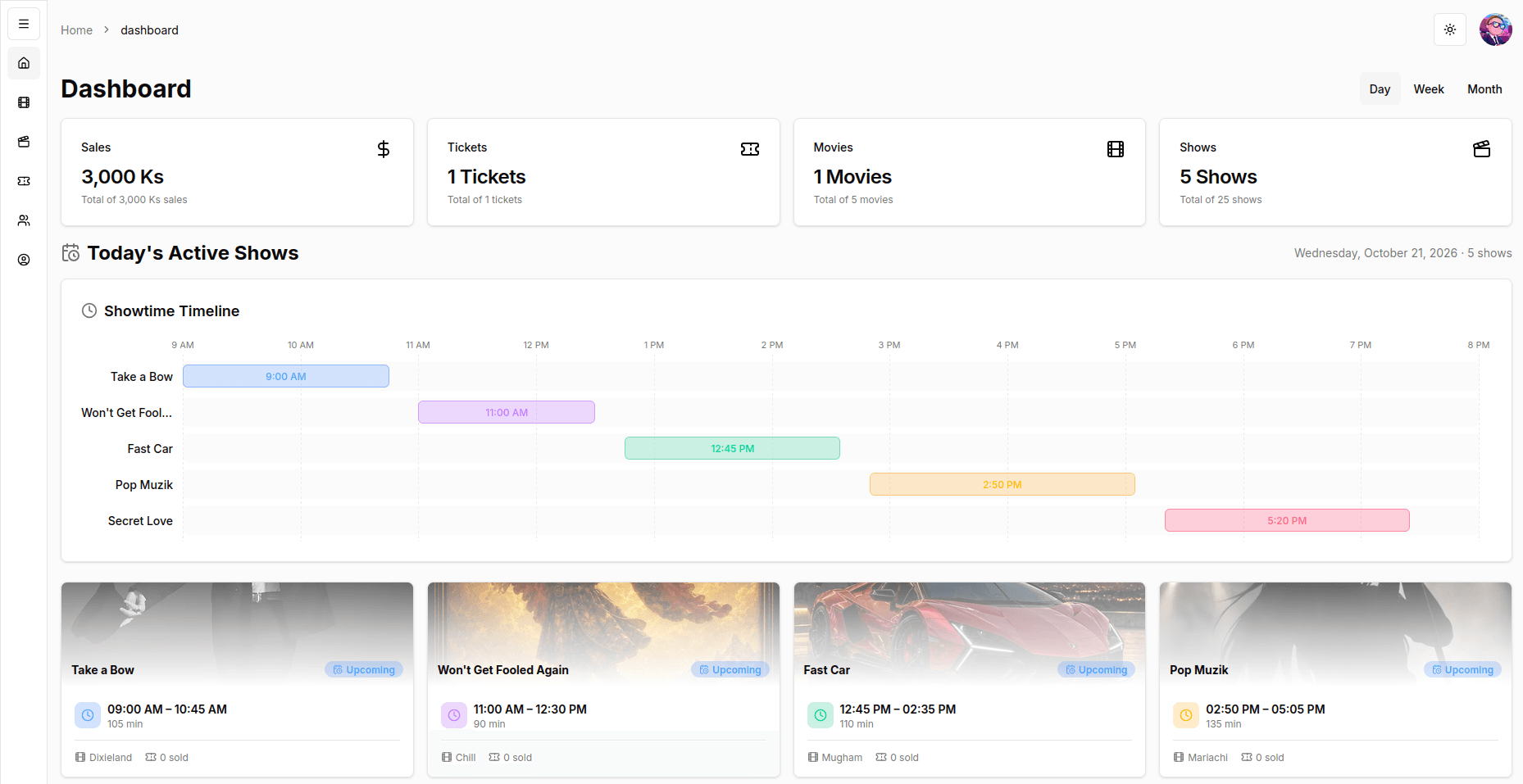
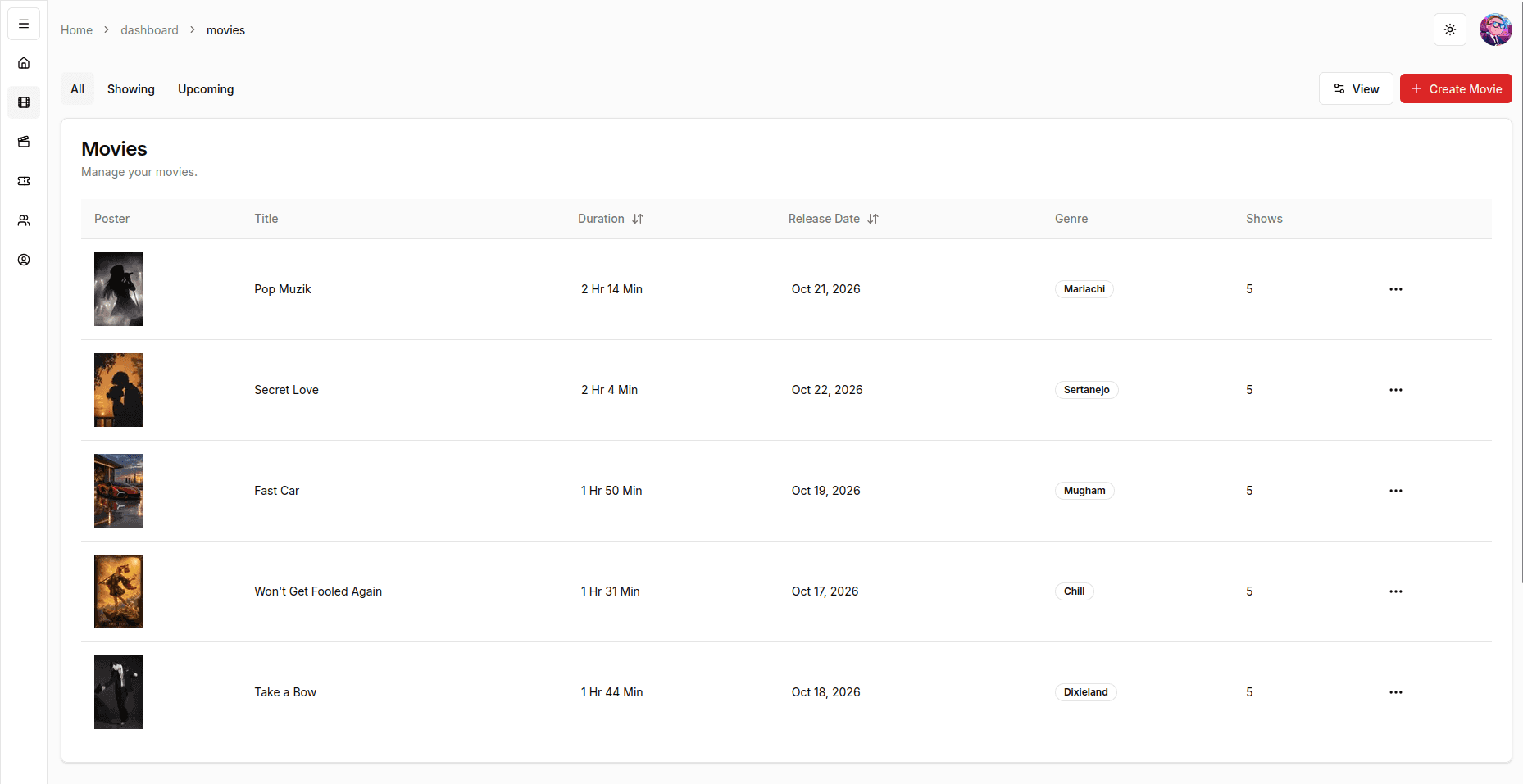
Movie Management
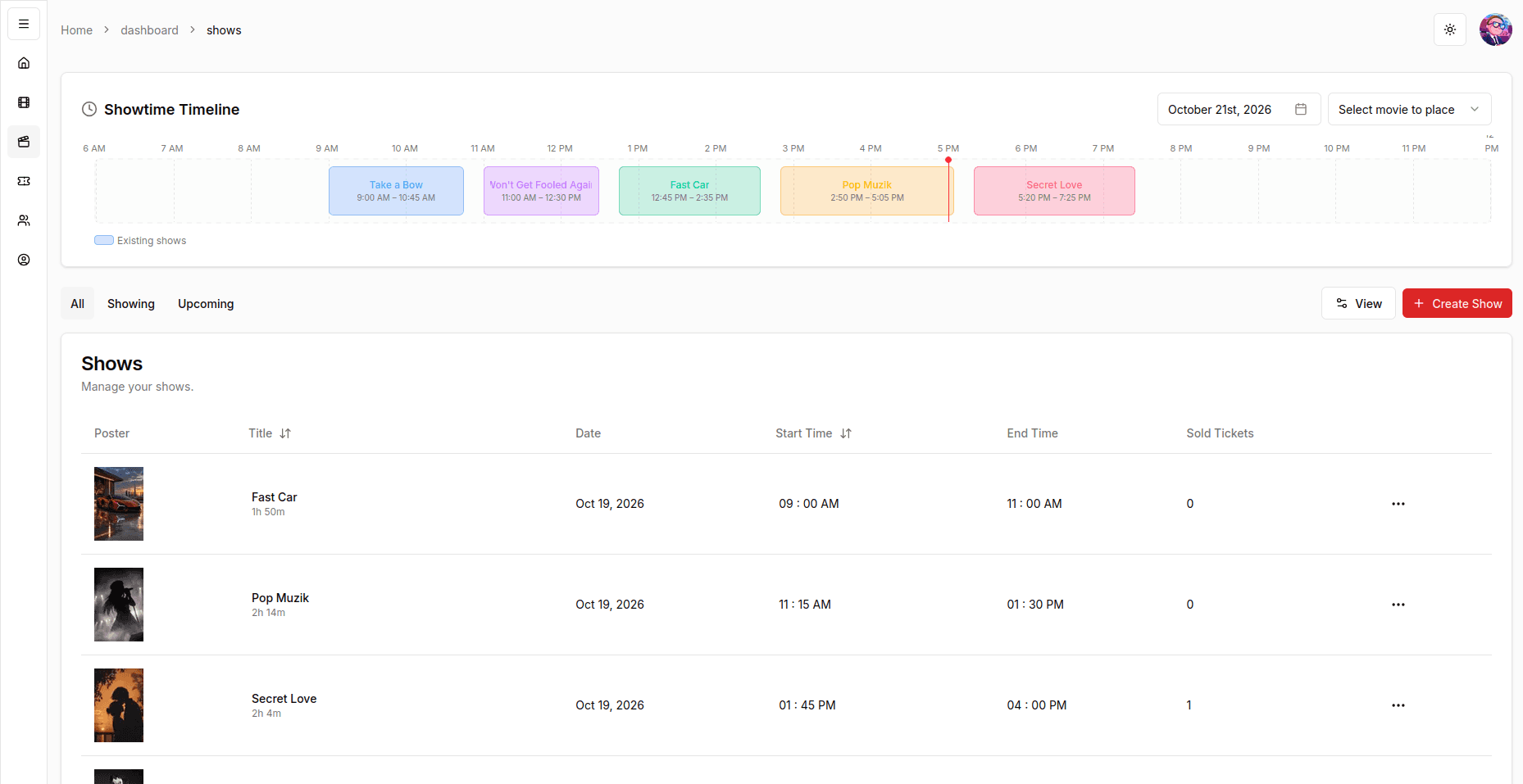
Showtime Timelines
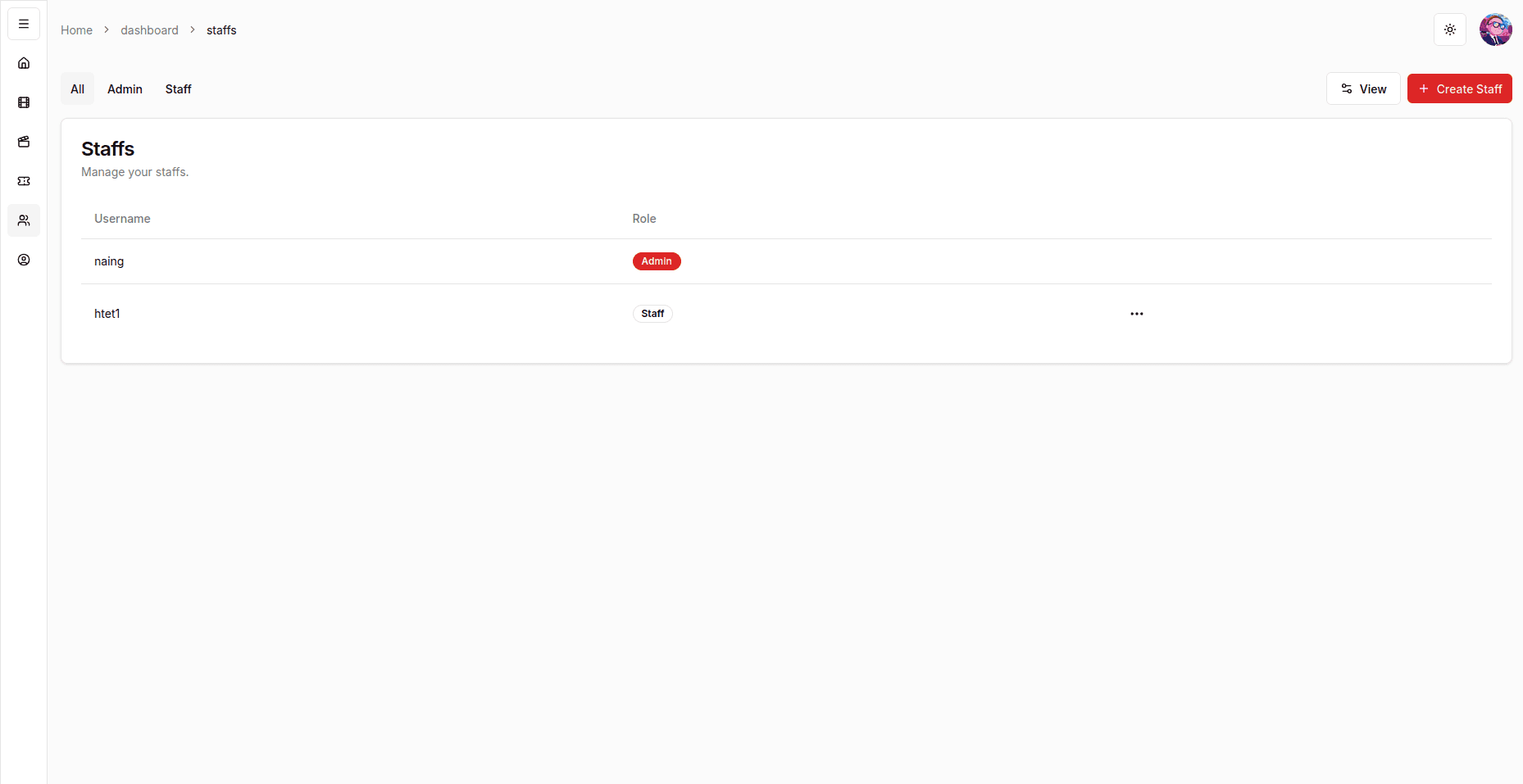
Staff & Permissions
Features
Customer Experience
- Guest Checkout: Book tickets directly without needing to register or maintain an account.
- Showtime Explorer: Browse currently screening titles, view synopsis details, and select screening slots.
- Automated Email Tickets: HTML booking receipts and ticket summaries dispatched immediately after purchase via Resend.
- Theme Support: Seamless toggle between light and dark modes with persisted user preference.
Administration & Operations
- Overview Dashboard: High-level operational metrics covering total bookings, active screenings, and revenue.
- Movie Catalog CRUD: Create, edit, and organize movie listings with media assets, genres, and runtimes.
- Showtime Timeline: Visual scheduling interface to plan hall allocations and prevent overlapping showtimes.
- Role-Based Access: Granular permission boundaries dividing administrators from box-office staff.
- Staff Management: Invite and manage operational staff accounts and assigned roles.
Tech Stack
- Framework: Next.js (App Router), React, TypeScript
- Styling & UI: Tailwind CSS, shadcn/ui
- Database & ORM: PostgreSQL, Prisma
- Authentication: NextAuth.js (role-based credentials)
- Validation & Forms: Zod, React Hook Form
- State Management: TanStack Query (React Query)
- Transactional Email: React Email, Resend
Getting Started
Prerequisites
- Node.js 18.x or later
- pnpm (
npm install -g pnpm) - A running PostgreSQL database instance
Installation & Setup
-
Clone the repository:
git clone https://github.com/nainghtetlinn/movie-booking-system.git cd movie-booking-system -
Install dependencies:
pnpm install -
Configure environment variables:
cp .env.example .envOpen
.envand fill in your database credentials and secret keys:DATABASE_URL="postgresql://user:password@localhost:5432/movie_booking?schema=public" NEXTAUTH_SECRET="your-generated-secret" NEXTAUTH_URL="http://localhost:3000" RESEND_API_KEY="re_your_resend_api_key" -
Initialize database schema and seed initial data:
pnpm run postinstall pnpm run seed -
Start the local development server:
pnpm run devOpen http://localhost:3000 in your browser.
Available Scripts
| Script | Purpose |
|---|---|
pnpm run dev | Launches the Next.js development server at localhost:3000 |
pnpm run build | Compiles and builds the production application |
pnpm run start | Runs the compiled production build |
pnpm run lint | Runs ESLint checks across the codebase |
pnpm run seed | Seeds initial movie, showtime, and staff records |
pnpm run emaildev | Launches the React Email local preview server |
License
MIT